| |
Note: this is not the only file, but are the most important (see below)
Introduction
The content of README.md (as the message says):
| |
So we only need to reverse mydude.exe, the rest of the files seems dll files for
SDL library, graphics and music.
This looks like nim binary, as the binary contained strings like:
nim is a compiled language, also looking at the disassembly, the debug information are still present in this binary, so this is good for us.
Information collecting
Basic static analysis
Looking at the names of the functions, we see _NimMain, which looks like the main
function for nim compiled binaries.
Inside _NimMain we see _PreMain and _NimMainInner.
In _PreMain, I think it initializes objects, the interesting names are nimgame2 and
sdl2. which suggest that the library called nimgame2 is used here. There is also
unknown, which I think are the objects in from this binary and not external libraries.
The names associated with unknown:
Looking into _NimMainInner next, we see the same objects names being initialized,
for example:
From now on functions names will not have the garbage/hash thing at the end.
and many nimgame2 functions are being used.
Running the game
Next, lets run the game to understand what is happening.
Title scene:
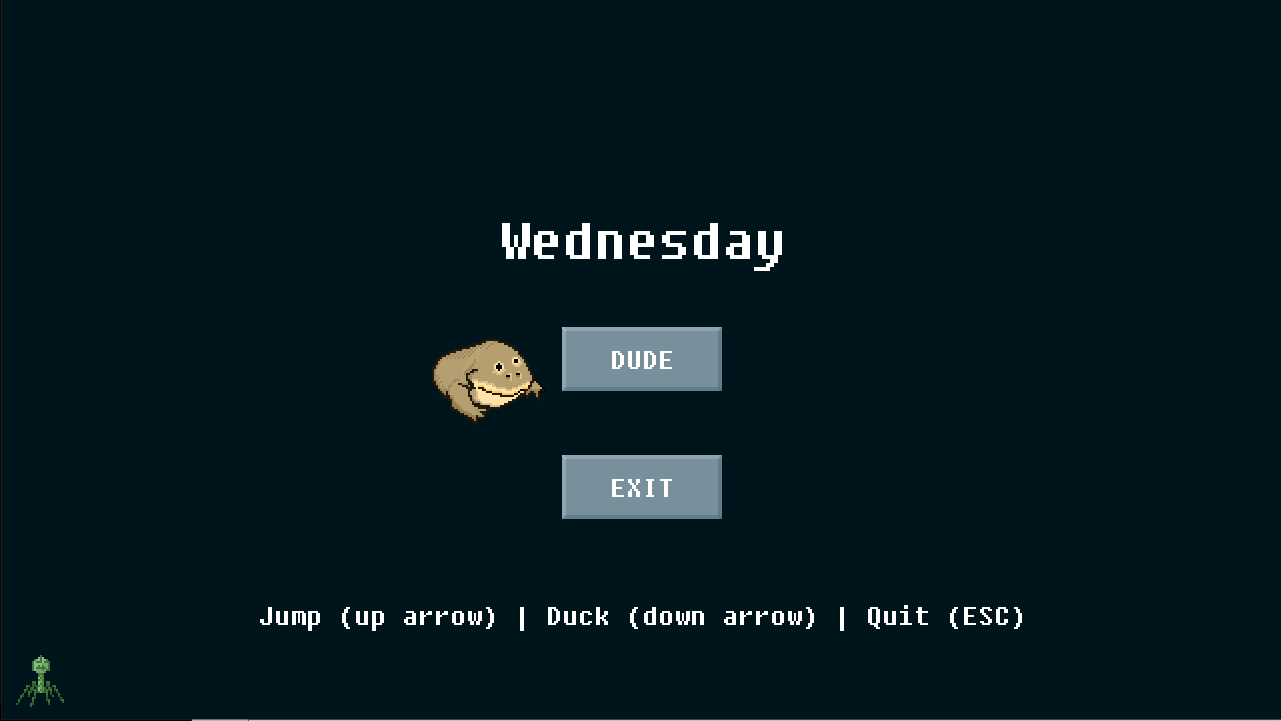 Main scene:
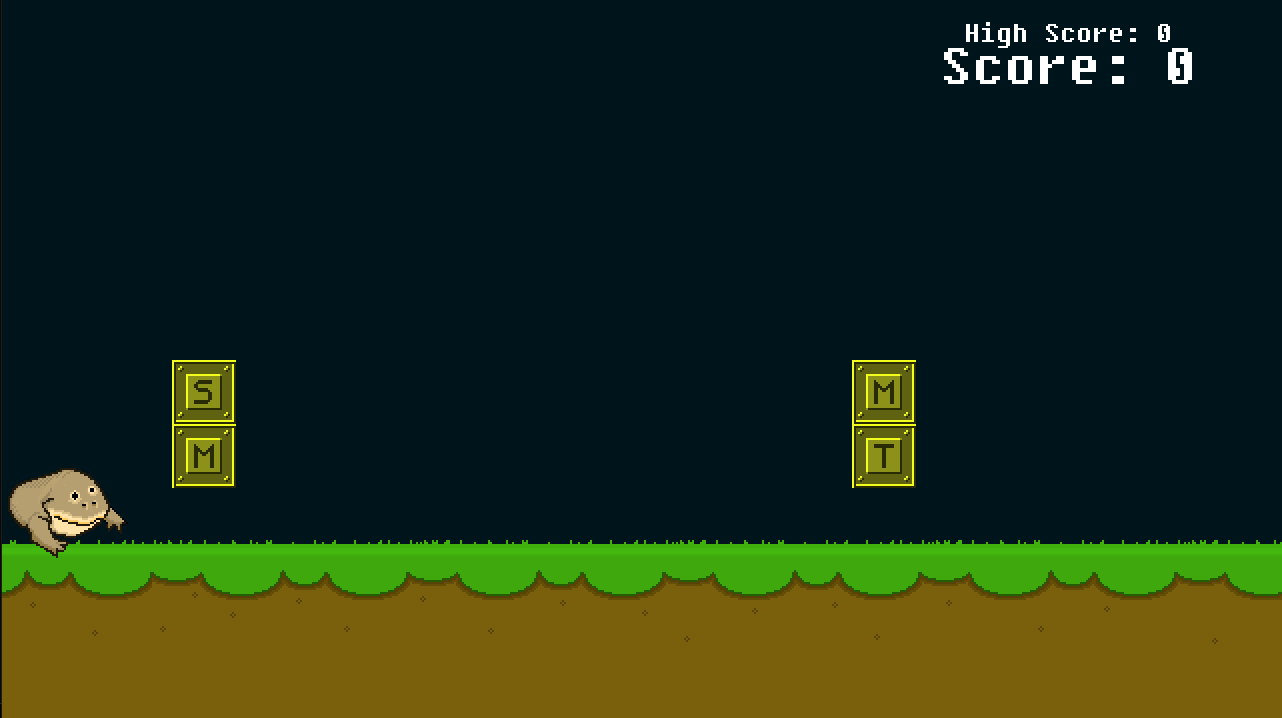
In this game we have to jump (up) or duck (down) in order to avoid the obstacles.
Even though all of them seem that they are open from the bottom but some, you can jump on them and some you cannot (trying to jump will restart the game even though visually you did not collide with the block, same way for ducking).
Trying to win (did not work)
In the code, we can see @newMainScene and @newWinScene, then:
This function is from nimgame2 which sets the scene of the game object.
I tried to set _winScene_ directly using the debugger by changing the argument of
sceneeq, but I didn’t get the flag :D
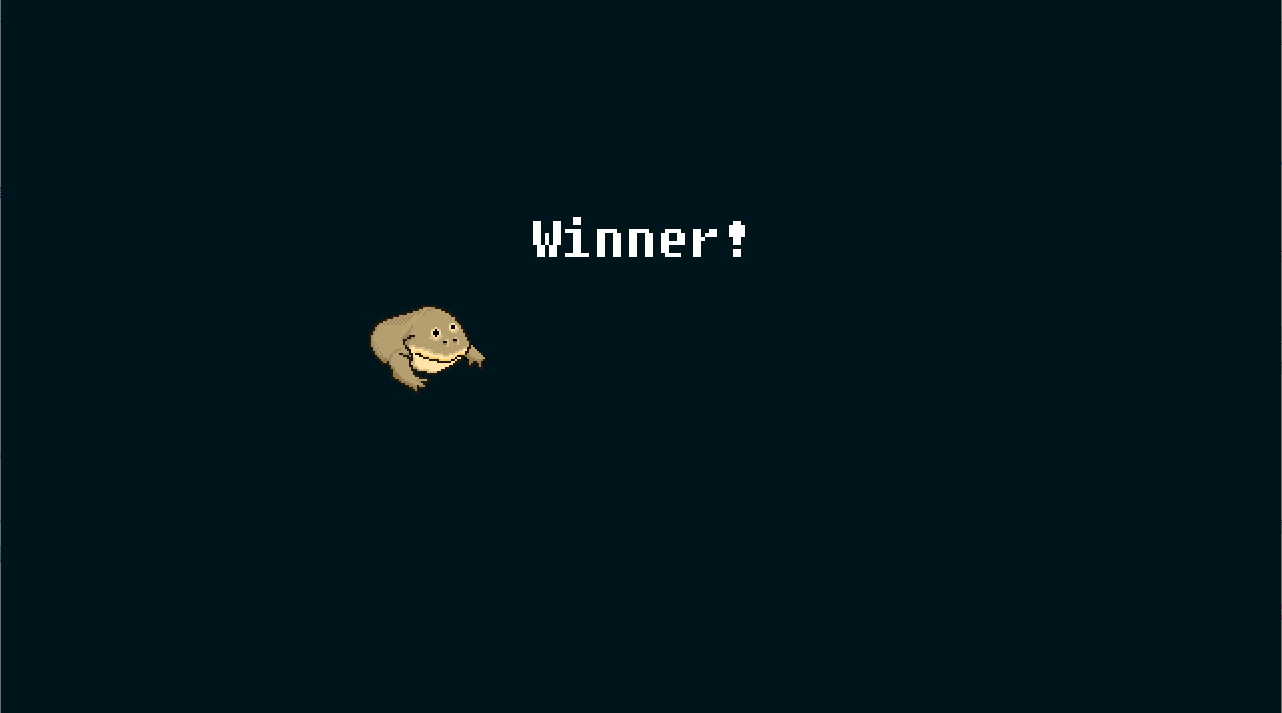
The _winScene_ is being set in @update__giAKdkRYJ1A0Qn9asB8s9ajA@12:
I think this is checking the score to be equal to 0x128 and then sets the scene to
_winScene_, so we can assume in order to win this game we have to reach score of 296.
I’m guessing that (this + 0x28) + 0xfc), is the score attribute in player object,
but looking at the above @update method we see a global variable _score_, which is being incremented in @onCollide.
Using this info, I’m thinking of disabling the game from catching collisions and just passing through all blocks to win without touching the controls!.
Approach on how to win
My approach is not to try to decode the flag and instead, patching the game to make it win by itself.
Solution
From above, the global _score_ is being incremented in @onCollide if some checks are passed first.
One of the checks that I managed to change and it did not break
In the debuuger, we can change:
to
Which would make this branch always jump to LAB_00432261.
When applying this change, the game can be finished if we keep pressing DOWN only, so it will ignore that the block require jumping.
Using this only we can win but we need to keep pressing DOWN for a long time, but now that we know how to edit things, lets try to patch the keyboard event handler.
After some looking, we find it in @event__KcWmTv6MM2mga1O5Xvx0Rw@8 at the end:
So lets start patching, the first one is the 0x300 compare block, since we don’t need to jump, we can replace the below JNZ instruction with NOPs instructions.
Next, for the DOWN pressing check, we need to force this jump, so we can replace the below JZ instruction with JMP, its good that the size of the instruction is the same (sometimes it might be less in size).
Patching the 3 places mentioned above, would result in the frog always ducking and finishing the game, now we just wait…
And that’s the flag:
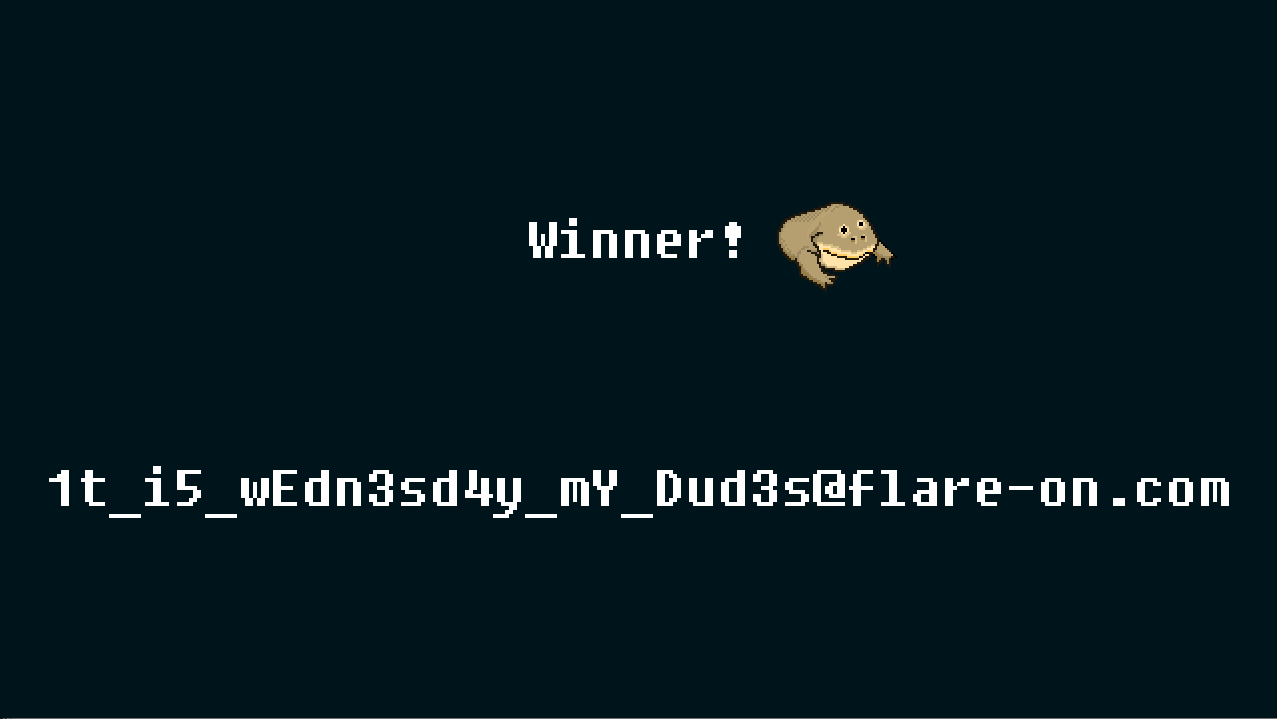
Flag:
| |
The solution is a bit strange I think, I don’t know where the flag is being decoded/displayed or anything in that matter, the good thing is that the score required to win is not much like the first challenge.
Also setting the global variable did not solve the challenge, so ya. I didn’t try to change the what I believe the score property in
playerobject.
Also helped to look at
nimgame2demo games, to know what are the names of the functions and extra things aboutnim-langin general.